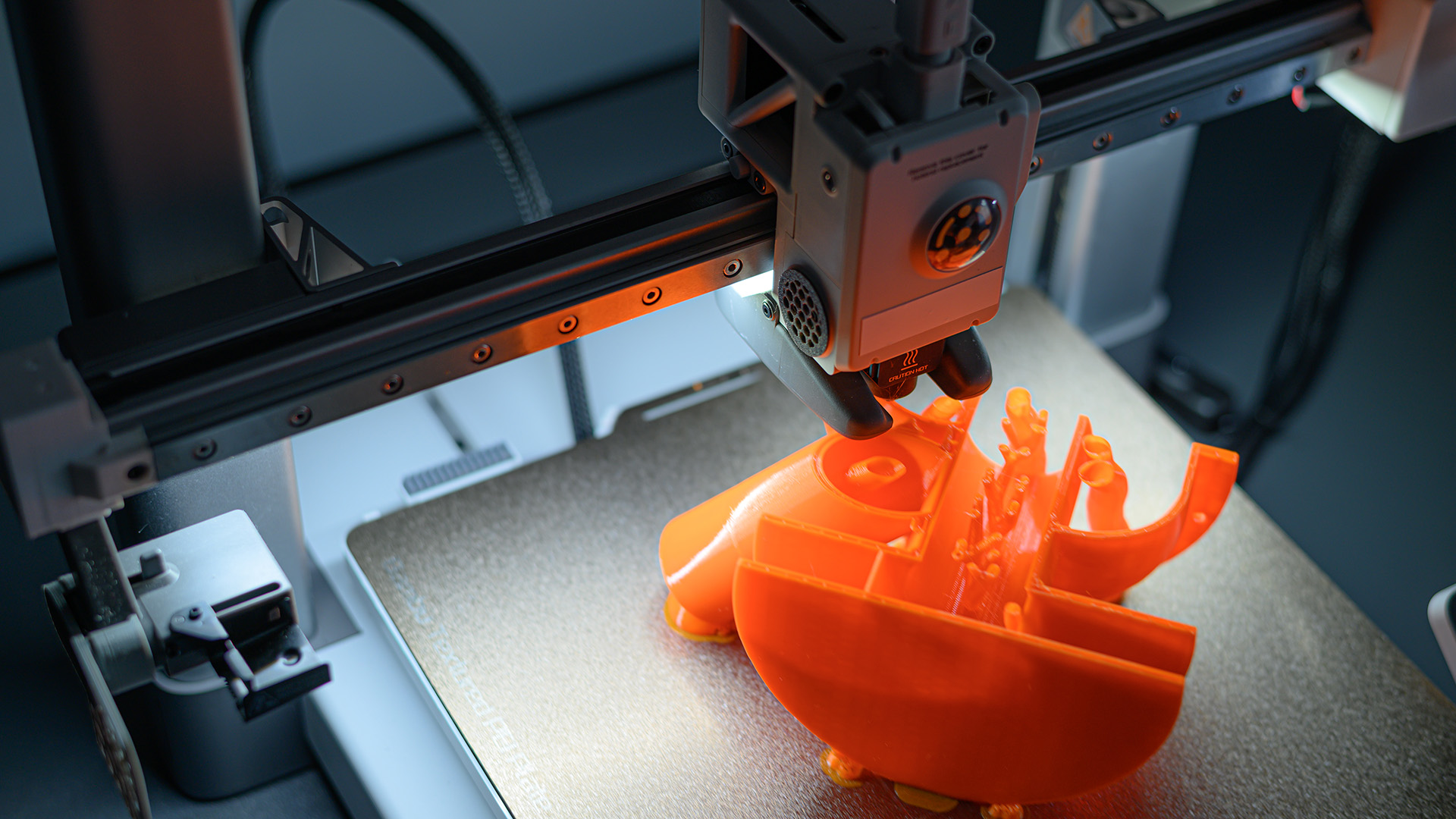
Every 3D printing enthusiast runs into problems sooner or later. A print that stops extruding halfway, fine threads of plastic ruining a smooth surface, or corners that peel up off the build plate. These issues can be frustrating, but most have straightforward fixes. Below we break down the most common 3D printing errors, what causes them, and how to get your prints back on track. I may have a Bambu Lab P2S now, but I've owned an Ender 3 for over five years. I have run into all of these issues at some point.
Not Extruding at the Start of a Print
One of the first signs something is wrong is when the printer lays down nothing at the beginning of the job. The nozzle moves, but no plastic comes out. This usually means the filament isn't reaching the hot end, or the nozzle is blocked right from the start. When it comes to this, the fix often begins with checking that the filament is loaded properly and that the extruder gear is gripping it. If the gear is slipping, cleaning it with a small brush can restore traction. Another quick step is to manually extrude filament using the printer's control menu to confirm the hot end is at the right temperature and material flows freely. If nothing comes out, a cold pull or nozzle cleaning is the next step.
Under-Extrusion
When your print looks thin, has gaps between the outer walls and the infill, or the layers seem underfed, you are dealing with under-extrusion. The printer is not pushing enough plastic through the nozzle. This issue shows up as visible gaps between perimeters and infill. The cause can be a partial clog, a feed rate that is too low, or filament diameter that is slightly off. A general approach is to first check the filament path for obstructions and clean the nozzle.
Flexible vs. Rigid Filament Tension
If you are printing with flexible materials like TPU, the extruder tension can make a big difference. For flexible filaments, increase the tension at the feeder by rotating the screw (if it has one, like on the Ender 3) to the right until the feed evens out. For rigid filaments, the opposite action works better, loosen the tension by rotating the screw to the left. Adjusting this screw by small quarter-turns can eliminate under-extrusion without needing to change slicer settings.
Stringing or Oozing
Thin hairlike strings and blobs that appear between separate parts of the print are signs of stringing or oozing. Plastic leaks out of the nozzle as it moves across open space. This happens when the filament is too hot or when retraction settings are not dialed in. The most direct fix is to lower the nozzle temperature in 5-degree steps until the strings disappear. You can also increase retraction distance and speed in your slicer. While it may seem counter-intuitive, in some cases the nozzle temperature being too low could cause stringing and a spaghetti mess. Just this week on my Bambu Lab, the nozzle was too cold and it caused under-extrusion that snowballed into a failed print. A temperature tower test print is a reliable way to find the sweet spot for each filament brand.
Over-Extrusion
The opposite of under-extrusion is when the printer pushes too much plastic. Layers become bloated, the surface looks rough, and details get lost. Over extrusion can be addressed by reducing the nozzle temperature in increments of 5 degrees Celsius. Lowering the temperature reduces the material's flow rate, which can bring extrusion back to the correct volume. If temperature changes alone do not solve the problem, check that your filament diameter is set correctly in the slicer. Most common filaments are 1.75 mm, but a spool with slightly larger diameter can cause over-extrusion in the slicer's calculations.
Clogged Nozzle or Extruder
Clogs are the most frequent showstoppers in FDM printing. An extruder clog refers to deformed filament stuck inside the cold end or heat break. Common causes include high chamber temperature for PLA or PETG, an abnormal extruder gear that chews the filament, filament that is too soft, or filament diameter issues that cause jamming. A nozzle clog, on the other hand, happens in the hot end and is often the result of insufficient temperature or particles inside the nozzle. To fix a nozzle clog, increase the temperature to soften any debris and then perform a cold pull. For a deeper clean, you can use a nozzle cleaning needle or replace the nozzle entirely. If the extruder gear has filament dust stuck in it, turn off the printer and clean the teeth with a brass brush.
Warping and Adhesion Problems
When a model lifts at the corners, falls off the build plate, or collapses during printing, the root cause is usually shrinkage and poor first-layer adhesion. Warping is caused by shrinkage during printing combined with insufficient adhesion to the build plate. Plastic contracts as it cools, and if the bottom layer is not gripped tightly, the corners peel up. You can try cleaning the build plate with soap and water or isopropyl alcohol to remove oils, applying an adhesive like glue stick or painter's tape, and reducing the cooling fan speed for the first few layers to keep the part warm. Increasing the temperature of the plate can also help. A brim or raft in the slicer adds extra contact area that helps hold edges down. Enclosing the printer or raising the ambient temperature can also reduce the temperature difference that drives shrinkage.
Frequently Asked Questions
What is the easiest 3D printing error to fix?
Stringing or oozing is often the simplest to correct. Lowering the nozzle temperature by 5 degrees at a time usually stops the thin hairs from forming without affecting print quality. It is a quick test that can be verified on a single small print.
Can a dirty build plate cause extrusion problems?
No, a dirty build plate affects adhesion and warping, not extrusion itself. However, a first layer that does not stick can make extrusion look uneven because the plastic drags along the plate rather than sticking. Always clean the plate before troubleshooting other errors.
How often should I clean my 3D printer nozzle?
It depends on the filament and print volume. After every few spools of filament, perform a cold pull to remove any burnt residue. If you are switching between materials like PLA and PETG, clean the nozzle before the change to prevent mixing that can cause clogs.
Why does my print stop extruding halfway through?
This can be a sign of a partial clog that builds up over time, or the filament spool has tangled and cannot unwind. Check the spool for tangles and listen for clicking from the extruder. If the extruder motor skips, the clog is probably in the nozzle or heat break.
Do all printers handle flexible filament the same way?
No, flexible filaments like TPU require special extruder tension and often a direct-drive extruder for reliable feeding. The tension screw adjustment works for many printers, but overtightening the screws could wear out your gears faster.
